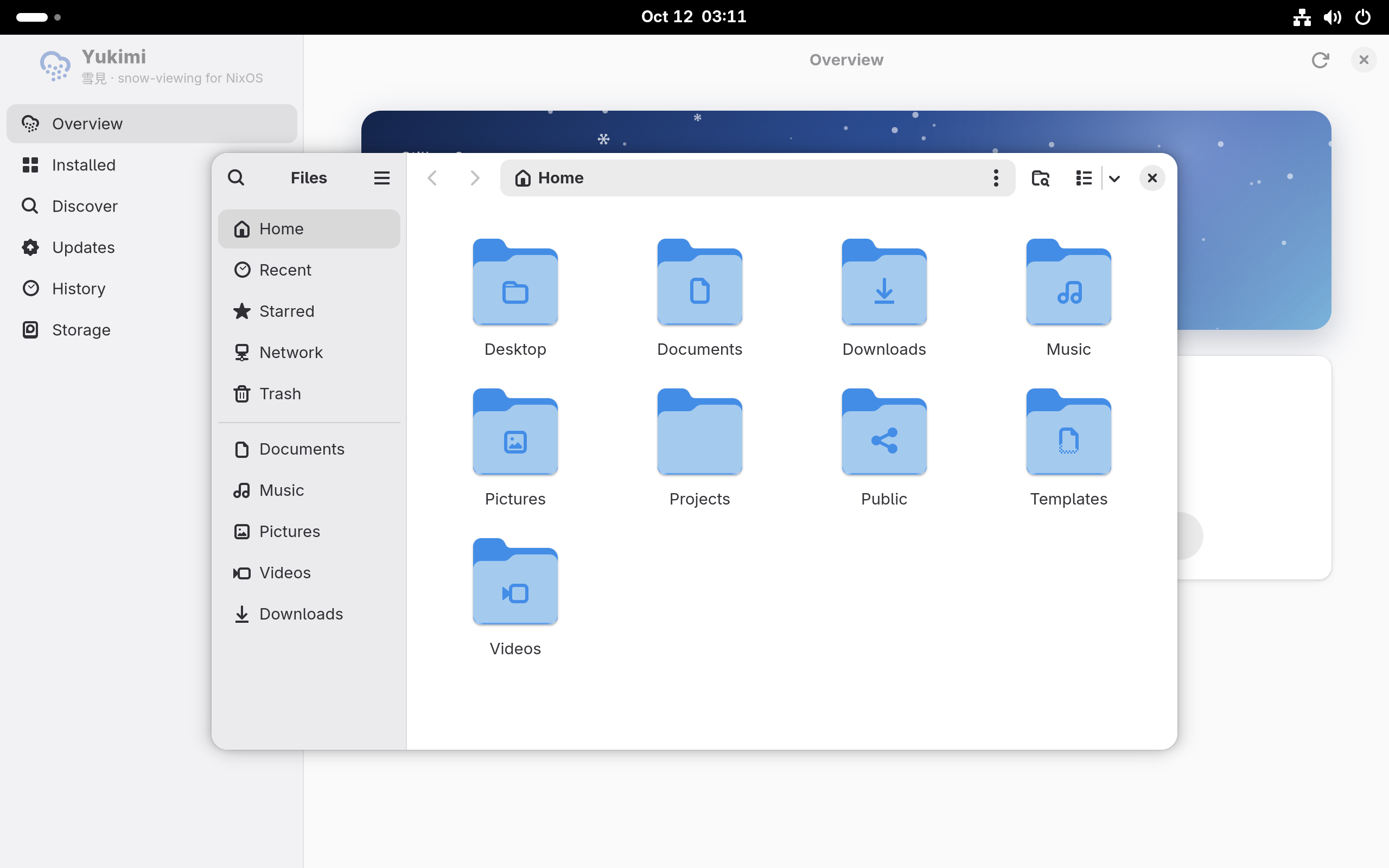
Overview
The system at a glance: its NixOS version and kernel, how many packages it has, how fresh its Nixpkgs is, how much room the store takes, and what changed most recently.

Yukimi 雪見
A yukimi-shōji is a paper screen with a pane of glass set low in it, so you can sit in a warm room and watch the snow fall in the garden. Yukimi is that window onto a NixOS system: see what is installed and why, find what is available, and change it without opening a text editor.
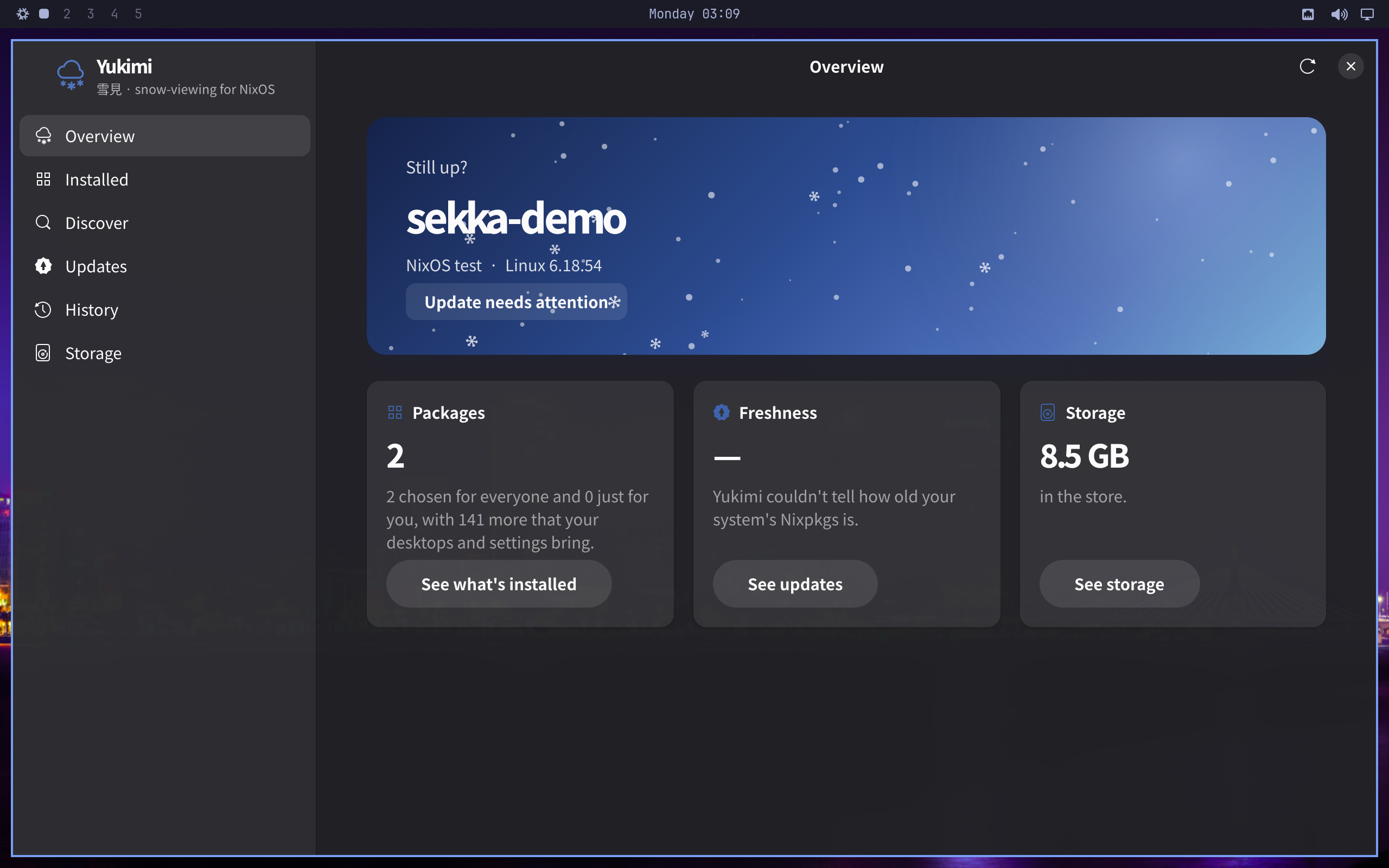
The system at a glance: its NixOS version and kernel, how many packages it has, how fresh its Nixpkgs is, how much room the store takes, and what changed most recently.
Everything installed, grouped by why: added with Yukimi, listed in your configuration by hand, chosen from a catalog such as the installer's, installed just for you, and everything your desktops and settings bring. Anything in the first four groups can be removed from here, entries you wrote yourself included.
A catalog of well-known applications, and a search of every top-level package in Nixpkgs. Try a package without installing it, install it just for you without a password, or for everyone. Broken and unfree packages are labelled before you pick them.
Where the system comes from: each input of its flake, or each channel, the exact revision it is at, and how old that is. Checking asks every source for its newest version without changing anything, and marks each as up to date, newer, or would go back. Yukimi updates only what moves forward.
Each source from GitHub, GitLab, SourceHut or Git shows the branch it follows, and can follow another. Working on a project your system is built from comes down to: push, open Updates, press Update.
Every generation you can go back to. Open one to see what changed from the one before: upgrades, downgrades, additions and removals, with sizes. Going back also brings back the choices it was built from, so your next change starts from there.
The Nix store split into what the running system needs, older generations, user profiles, projects and dev shells, and garbage, with the heaviest packages and every garbage-collector root. Cleaning up is one button.
A change is built before anything switches to it, so a failed build leaves the running system as it was and the files Yukimi touched are put back. Press Stop and the same happens. Once the new system starts switching, it finishes, so a switch is never cut off halfway.
A copy of the configuration behind each generation is kept, which is how going back restores your choices too. A file you have changed by hand since then is left as it is.
Checking asks GitHub, FlakeHub and the NixOS channels for their newest versions directly: a second or two, and nothing is downloaded. Updating gets the new sources ready as you before it asks for a password. Without that, root would download each one again: in a test, six minutes for one copy of Nixpkgs.
On Sekka, Updates › Update Sekka fetches the newest Sekka and builds it for your next restart in one action. In a terminal, the same operation is sekka-update.
Nothing slow happens on the interface thread. The configuration, generations and sources are read in a few milliseconds; the store, which can take seconds, fills in when it arrives. Search answers only the newest query, long lists are built a batch at a time between frames, and the package index is made only once Discover is opened.
The falling snow pauses when the window is in the background. Start Yukimi with YUKIMI_STALLS=50 and it reports, on standard error, any moment the interface thread was busy for longer than 50 milliseconds, and what it was doing.
Yukimi is Rust throughout, including the parts that read Nix's own store database and edit Nix files without disturbing them. The window runs as you. The helper that changes the configuration, builds, switches, rolls back and collects garbage is the only part that runs as root. It is started through pkexec, checks its own arguments, and works on the configuration it finds itself, not one it is handed.
What Yukimi installs for everyone goes in a file of its own, yukimi.nix, next to your main configuration, which imports it once. Your own files stay yours.
Yukimi finds the configuration the way nixos-rebuild does: a flake when /etc/nixos/flake.nix exists, following it if it links elsewhere, and channels otherwise. It works without the rest of Sekka:
{
  inputs.sekka.url = "github:bitemyapp/sekka/main";
  inputs.sekka.inputs.nixpkgs.follows = "nixpkgs";
  outputs = { nixpkgs, sekka, ... }: {
    nixosConfigurations.host = nixpkgs.lib.nixosSystem {
      modules = [
        sekka.nixosModules.yukimi
        { programs.yukimi.enable = true; }
      ];
    };
  };
}
The module installs the app with its polkit policy, so the password prompt says what Yukimi is asking for. A distribution can give Discover its own catalog of applications with programs.yukimi.catalogs.